

Roland.O
Roland the Mechanic
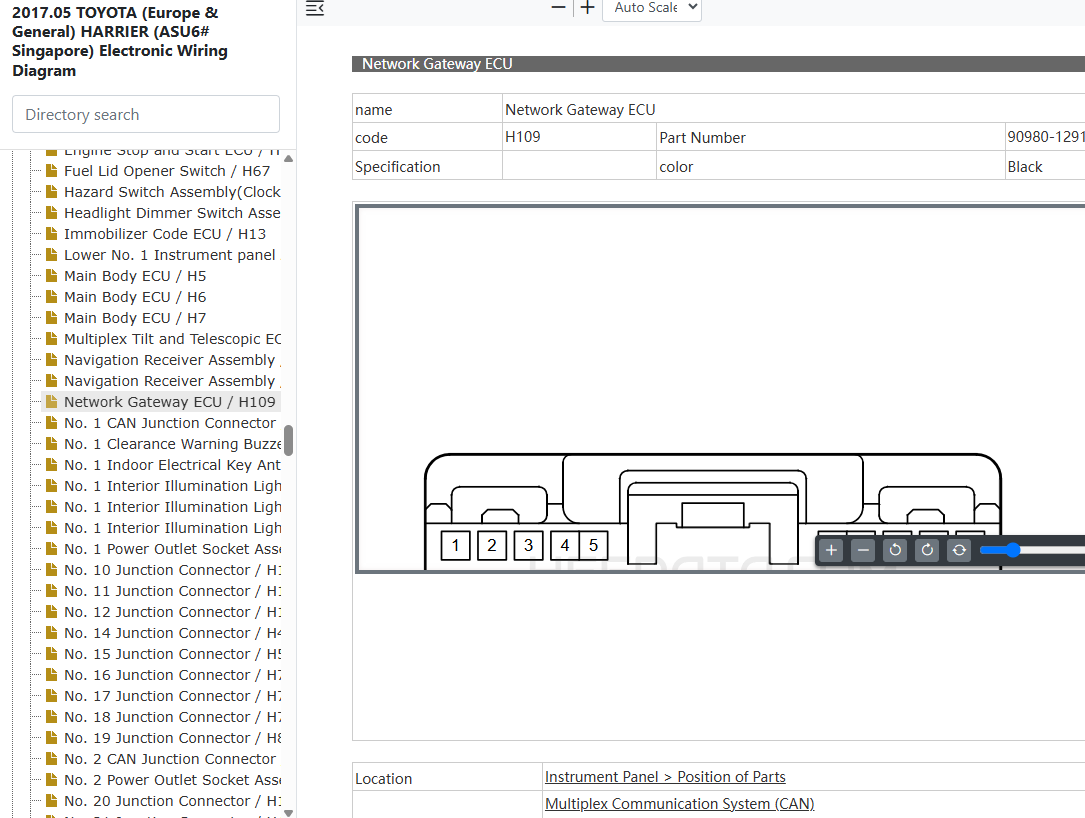
This OEM pinout chart gives the terminal layout, wire colours and circuit functions for the H109 plug. It gives procedures for tracing module dropouts, confirm gateway operating voltages and pinpoint network problems. Probing the central network gateway connector without following factory procedures can fry the gateway module and corrupt the network.
Common questions that this diagram answers
- What is the pinout chart for the central network gateway ECU H109 connector on a Toyota Harrier ASU60/ASU65?
- How do I test power and ground circuits on a Toyota Harrier ASU60/ASU65network gateway?
- Which terminals on the Toyota Harrier ASU60/ASU65 H109 gateway plug separate the powertrain CAN bus from body data networks?
- How do you isolate a short circuit on a multiplex network using a gateway ECU pinout diagram on a Harrier ASU60/ASU65?
How to access the diagram
Click on the link below to access the complete OEM Manual, within it you will find the Network Gateway ECU Connector Pinout. I have given the screenshot below to help you quickly navigate to the section where the diagram is located. Once you find it, you can then print or save it. Let me know if you face any challenges or have any questions and I will be happy to answer in the thread below. Please note that the year in the document is not the YOM but the document release date so it covers the entire model range. Also note the document applies to all countries where the model is sold Including Singapore, Australia, Malaysia, Kenya, UK, New Zealand, etc.- Access to the OEM Manual
-
View Full Manual on YokaData
The complete manual is hosted by YokaData, the official providers of JDM Repair Data. Click below to open the official, secure vehicle page and view subscription options.
Open Official Manual Page →You will be redirected safely to the secure, official YokaData.com portal.